Single-node Wazuh on Docker Compose.
wazuh-stack deploys a complete single-node Wazuh 4.14 stack — manager, indexer, dashboard, and the Wazuh UI — with every credential env-injected and fail-fast. Since v0.1.1 a fresh clone boots with one command.
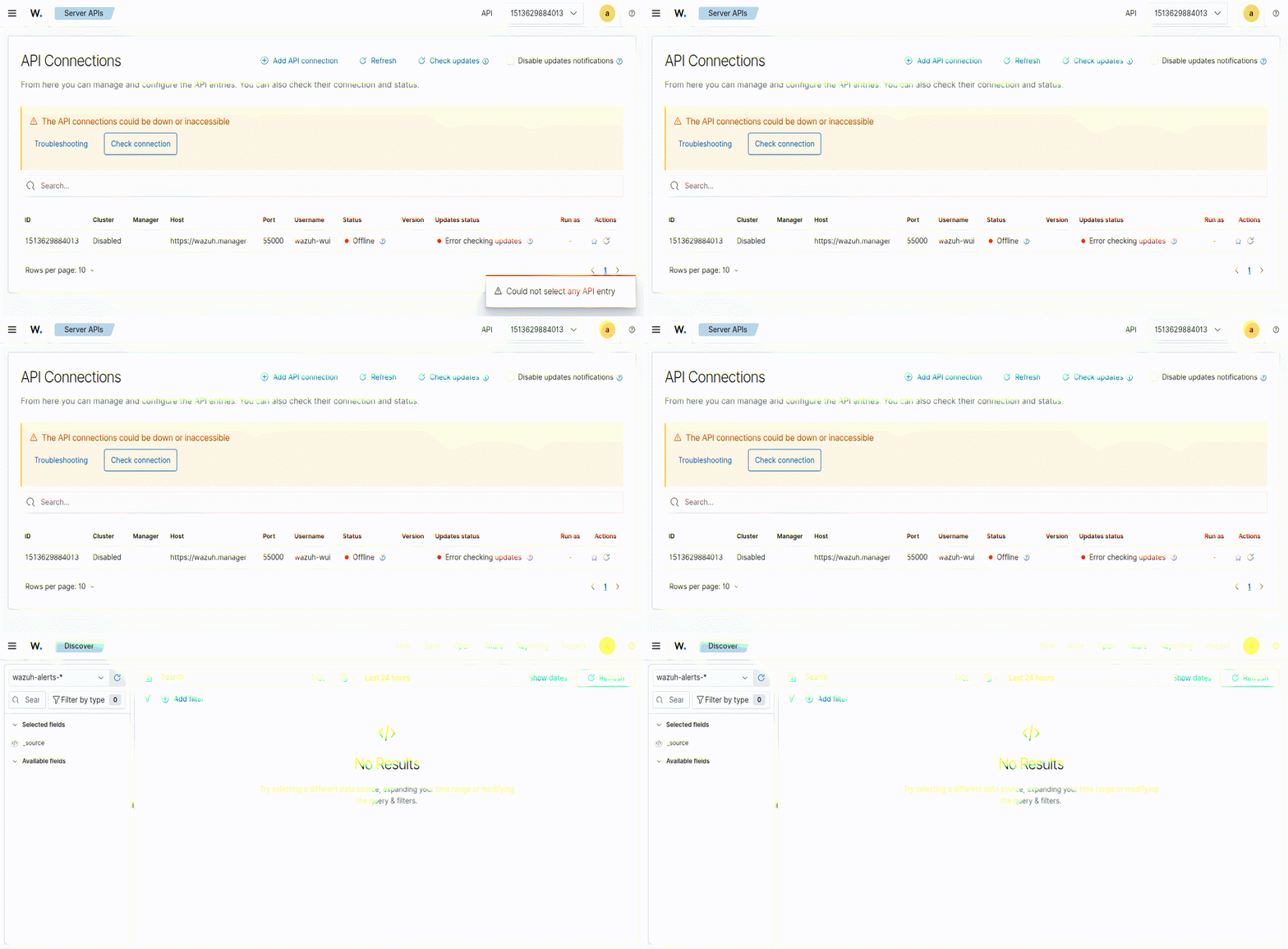
wazuh-alerts-*. Captured
2026-10-20. Note the honest empty state — nothing was ingested into it
for the capture.What the stack is
Four containers: the Wazuh manager (agents, rule engine),
the indexer (OpenSearch-based storage), the
dashboard (OpenSearch Dashboards with the Wazuh plugin), and the
Wazuh UI (the manager API front-end) — plus an integratord
wrapper, agentic-soc-send, that ships alert payloads onward to a
mailbox or pipeline. The upstream Wazuh compose is kept beside the deployment one
for diffing. Every credential is injected through .env and referenced
fail-fast (${VAR:?}) — the compose refuses to start an
incompletely configured stack rather than inventing a default.
The fresh-clone flow
git clone https://github.com/dmrobbi/wazuh-stack
cd wazuh-stack
cp .env.example .env

# fill the four values (.env.example suggests generating them with
# openssl rand -base64 24):
#   INDEXER_PASSWORD          the admin user on the indexer
#   DASHBOARD_PASSWORD        the kibanaserver service user
#   WAZUH_API_PASSWORD_NEW    the wazuh-wui API account
#   OPENCLAW_GATEWAY_TOKEN    the realtime-ingest token check

./setup.sh
That is the whole flow. The first setup.sh run creates
.env if it is missing and stops with instructions; fill it and
re-run.
What setup.sh does
Everything the compose binds but a repository should not carry is generated at bootstrap, from your values:
- The demo PKI — an openssl CA plus the indexer, dashboard, and admin leaves. The certificate subjects are written in the exact order the indexer's security configuration compares, so client-cert auth works on the first boot.
- The security users —
internal_users.ymlis rendered from a committed template with bcrypt hashes generated by the indexer image's own hash tool, and the render is validated to start with a literal$. A hash missing that character once cost a full day of dashboard 503s in the 2026-10 demo — the guard now refuses to ship one. - The dashboard config — rendered from
templates. Two shapes are easy to get wrong here and both were caught live: the
plugin's API keys belong in the plugin's
wazuh.yml, not inopensearch_dashboards.yml(which aborts with InvalidConfiguration), and the API password must be the same value the manager sets on thewazuh-wuiaccount. - The integrations env stub — so compose parses on a fresh clone; the alert-forwarding integration reads real SMTP values from that file if you fill it in.
- Compose up, with a readiness loop — the script waits for the indexer to accept the admin auth and the dashboard to answer before declaring the stack up.
The rendered artifacts (the certs, the user database, the dashboard
configuration, ./secrets/) are git-ignored per-deploy files.
Re-running after a password change re-renders them.
Verify it yourself
Run these on the host that runs the stack — the indexer deliberately binds loopback only. Measured 2026-10-21 on the verification run:
curl -sku admin:YOUR_INDEXER_PASSWORD https://127.0.0.1:9200        # 200
curl -sku admin:wrong-password       https://127.0.0.1:9200        # 401
curl -sk    https://127.0.0.1:5601                                 # 302 -> /app/login
curl -skL   https://127.0.0.1:5601/app/login                      # 200
curl -sk -X POST -H "osd-xsrf: any" -H "Content-Type: application/json" \
  -d '{"username":"admin","password":"YOUR_INDEXER_PASSWORD"}' \
  https://127.0.0.1:5601/auth/login                                # 200
curl -sku kibanaserver:YOUR_DASHBOARD_PASSWORD https://127.0.0.1:9200  # 200
The 401 line matters as much as the 200s: it proves the
security index was initialized from your rendered user database, not from
a stock default.
What binds where
The indexer's 9200 binds 127.0.0.1 only — it is management
plane and its API does not belong on the network. The dashboard's 5601 binds all
interfaces so the browser can reach it; change that mapping if your posture says
so.
Teardown and rotation
docker compose down -v    # containers + volumes gone

# rotate: edit .env, then re-run
./setup.sh
Because the security users and the dashboard config are rendered from
.env, rotation is an edit and a re-run. For a stack that is already
running and has data you care about, use the indexer's own credential rotation
flow instead of re-rendering — the repository documents it.
The honest gaps: not HA, not multi-node; no sample data
ships (the alerts explorer shows an honest empty state until your agents talk);
the alert-forwarding integration needs real SMTP credentials in
./secrets/reports-mailbox.env before it ships anything; the
bootstrap passwords are just that — rotate before anything real; and the
demo PKI is a self-managed CA, so bring your own certificates for anything
production-shaped.
Source
- github.com/dmrobbi/wazuh-stack — the repository (MIT); the docs site is dmrobbi.github.io/wazuh-stack.
- CHANGELOG.md — v0.1.1 carries the bootstrap details, including the two misconfiguration classes this setup refuses to reproduce.
- Using CISA KEV to prioritize STIG work — what to do with the stack once your agents start reporting.